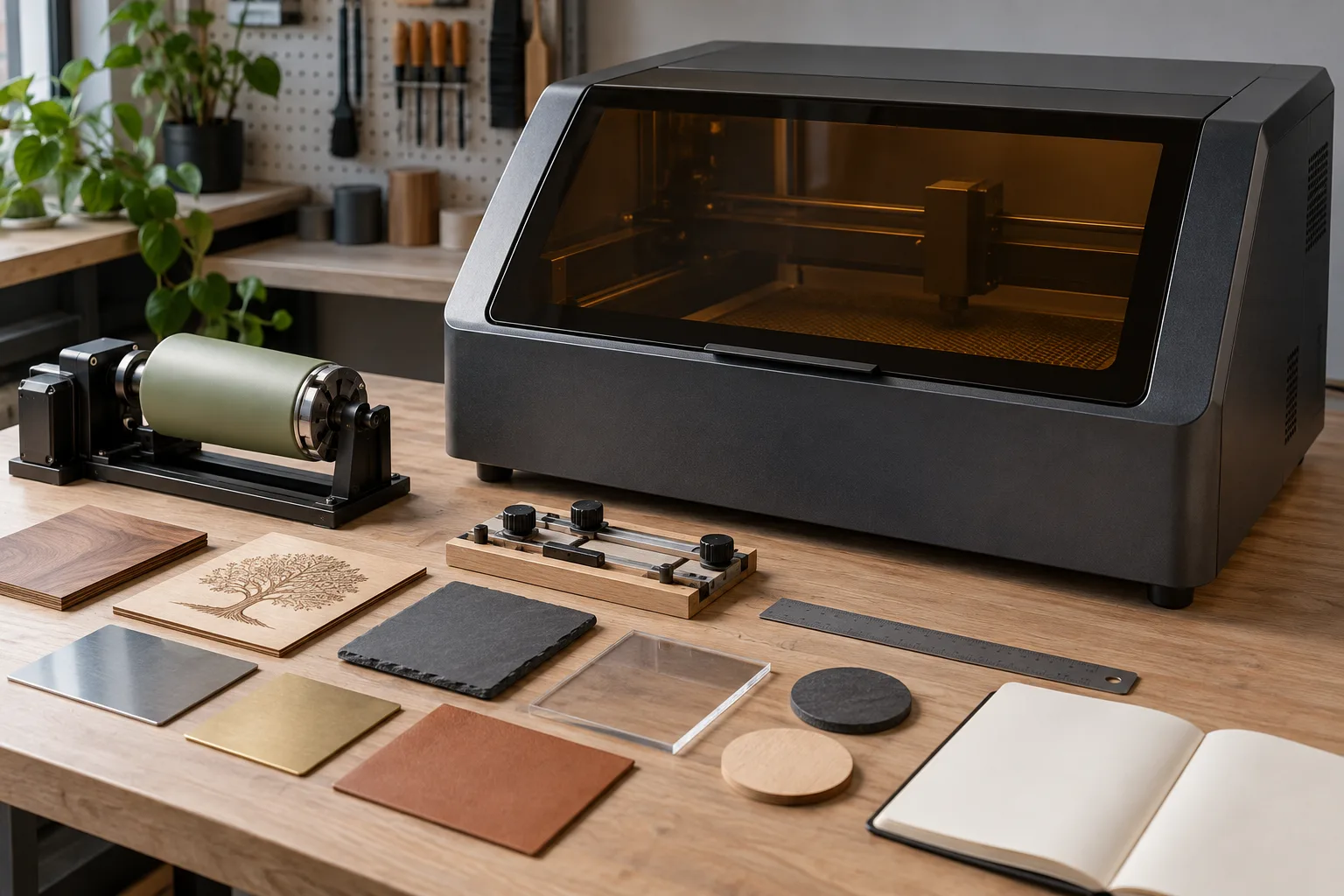
Wattage is a source variable, not a verdict
When people search for a 50W engraver, they may be comparing machines with different laser technologies, spot sizes, optics, enclosures and intended materials. The number does not tell you whether a machine is designed for a particular plastic, stone, coated cup or metal surface.
Read the source type, documented output, focus method and material table together. If a listing uses “50W” without explaining what is being measured, treat it as an incomplete specification rather than a direct comparison.
Start with the job envelope
List the largest part, smallest detail, mark contrast, repeat volume and surface shape you need. Then compare the usable bed, clearance, loading path, rotary support and alignment process. A machine that has enough nominal power but cannot hold the part securely is the wrong tool for that job.
For cups or other round objects, include the rotary attachment and its working range in the machine envelope. For signs or panels, measure how the material enters the enclosure. For small custom parts, check whether the focus and fixture allow the detail to be placed consistently.
Speed is only useful when the result holds
Additional power may reduce the time needed for some processes, but speed, spot size, focus, material batch and heat management still affect the result. A fast pass that produces weak contrast, distortion or inconsistent edges is not a productive workflow.
Compare the time for the complete job: setup, alignment, marking, cleanup and inspection. This exposes why a camera, fixture or better bed can create more practical capacity than a larger wattage claim.
Budget for the support system
The machine is only one line in the setup. Include enclosure or cover, exhaust, ventilation, bed or mat, fixtures, rotary work, electrical needs, software and maintenance. Do not invent a final budget from a headline listing when the compatible support equipment is still unknown.
Before purchase, ask for the complete installation requirements and the current manufacturer documentation. Prices, included accessories and availability change; a useful comparison records the date and links to the source instead of treating a snapshot as permanent.
50W comparison frame
| Field | Question to answer | Why it outranks the number |
|---|---|---|
| Laser type | What source and optical path are used? | Determines what materials and process guidance apply. |
| Work envelope | What is the usable area and loading clearance? | Affects the real parts you can hold. |
| Workflow | How are focus, alignment and repeat jobs handled? | Sets practical throughput and consistency. |
| Support system | What enclosure, exhaust, bed and maintenance are required? | Turns a specification into an operable setup. |
Before you compare machines
If this is your first machine, compare honest optical power in our best laser engraver for beginners picks before you chase a 50W label.
- Identify the laser type and what the 50W figure actually describes.
- Compare usable work area, focus, fixture and rotary clearance.
- Measure complete job time, including setup and cleanup.
- List support equipment before treating the machine as ready to run.
Questions worth answering first
Is a 50W laser engraver good for beginners?
It can be appropriate for a defined workflow, but wattage alone does not determine difficulty. A beginner still needs documented material compatibility, safe extraction, reliable focus and a manageable job envelope.
What can a 50W laser engraver engrave?
That depends on the laser type, material, finish, optics and manufacturer guidance. Use the specific machine’s documented material list; do not infer a universal list from 50W.
Is 50W better than 20W for engraving?
Not automatically. It may change speed or process headroom, but the right choice depends on the mark, material, work area, safety system and the consistency you need.