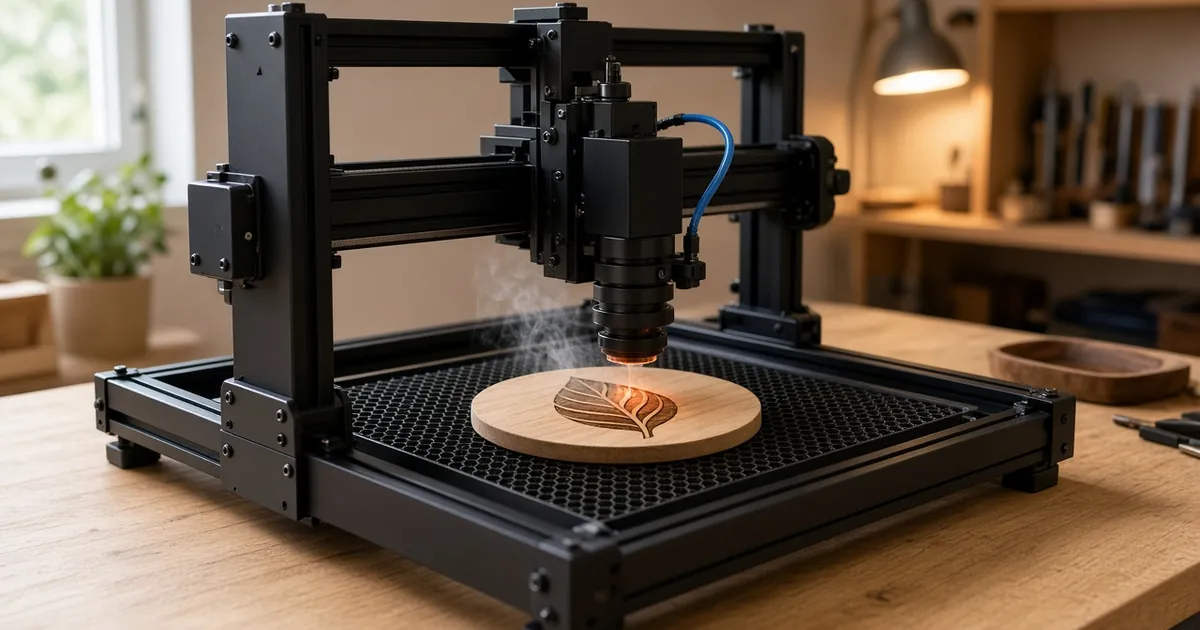
Quick picks: the best laser engravers for beginners
| Pick | Best for | Laser type | Listed power | Work area | US buyers |
|---|---|---|---|---|---|
| ELIDOR Z6 12W | Most beginners: more power, same footprint | Diode, open frame | 12W (6W version also sold) | 300 x 300 mm | Ships from US |
| Atomstack A20 Pro V2 20W | Upgrade path: thicker cuts, bigger pieces | Diode, open frame | 20W | About 400 x 365–400 mm (check listing) | US plug; ships from US |
Both are listed as shipping from the US at the time of writing (October 2026). Prices, stock and variants change often, so confirm the plug, power version and ship-from location on the listing before you order.
How we chose these beginner picks
We didn’t run lab tests, and we don’t claim engraving speeds or cut depths. We shortlisted machines a first-time buyer in the US can realistically order, set up and learn on:
- Laser type. Both are diode lasers. That’s the most common, most affordable starting point for wood, leather, paper, cardboard and coated metal.
- Honest power. We compare the listed laser power, not the bigger “equivalent” numbers some listings use in the title.
- Work area. About 300 x 300 mm covers coasters, signs, cutting boards and small boxes. The larger pick is for people who know they need more.
- US availability. Both picks ship from the US and are sold with US plugs, which avoids long shipping and adapter workarounds.
- Room to grow. A beginner machine should still be useful once you add air assist, a better bed and an enclosure.
The 2 picks in detail
1. ELIDOR Z6 12W: best overall for most beginners
Best for: most beginners who want one machine for engraving and light cutting on a 300 x 300 mm work area.
The ELIDOR Z6 is listed as a 12W diode laser with a 300 x 300 mm work area. A 6W version is also sold, so make sure you pick the 12W variant if you want the extra power. More power mostly buys speed and makes thin-material cutting easier, and a 300 x 300 mm bed keeps the machine manageable on a home bench. For most people starting with signs, coasters and gifts, this is the balanced choice.
Good fit if: you want one machine that engraves comfortably and handles light cutting.
Skip it if: your pieces won’t fit a 300 x 300 mm bed.
Check on the listing: the 12W (not 6W) variant, the plug type and the ship-from location.
ELIDOR Z6 (12W, 300 x 300 mm): Select the 12W version if you want the higher power.
2. Atomstack A20 Pro V2 20W: best upgrade-path pick
Best for: beginners who already know they want to cut thicker wood or work on bigger pieces.
The Atomstack A20 Pro V2 is listed as a 20W diode laser with a US plug. The listing title gives the work area as 400 x 365 mm, and other listing details describe it as about 400 x 400 mm. Plan around roughly 400 x 365–400 mm and check the listing for the exact figure. The larger frame and higher power make sense if a smaller machine would soon limit you. More power also means more smoke and a stronger need for extraction and an enclosure.
Good fit if: you plan to cut plywood shapes or engrave larger signs and boards.
Skip it if: you have a small desk or don’t yet know what you’ll make. Start with a smaller machine.
Check on the listing: the work area figure, the US plug and the ship-from location.
Atomstack A20 Pro V2 (20W, about 400 x 365–400 mm): Confirm the US plug and the work area on the listing.
How to choose a laser engraver as a beginner
Diode vs CO2 vs fiber: which laser type should a beginner buy?
| Laser type | Good at | Weak at | Beginner fit |
|---|---|---|---|
| Diode | Wood, leather, paper, cardboard, coated and anodized metal | Clear acrylic, glass, bare metals | Best starting point: affordable and compact |
| CO2 | Cutting wood and acrylic, engraving glass | Bare metals; bigger, needs cooling and venting | A second machine, or a first one for acrylic work |
| Fiber | Permanent marks on bare metals | Wood, most organics | Only if your work is mostly metal |
Most beginners start with a diode laser. It’s the cheapest, smallest and easiest to set up, and it handles the most common hobby materials. A CO2 laser is the better tool if you plan to cut a lot of acrylic or thick wood, but it costs more and needs more space and venting. A fiber laser is a metal-marking specialist. See the fiber laser checklist if that’s your plan, and laser engraver vs laser cutter if you aren’t sure which job you’ll do most.
Power: what the watts actually mean
Diode laser listings often show two or three different numbers. Optical output power is the light that reaches the material, and it’s the number to compare. Bigger figures in titles are usually electrical input or an “equivalent” rating. Many budget listings advertise 40W or 80W in the title while the spec table shows a laser power of around 5W. Those big numbers are not optical output. Always read the spec table.
For beginners, a rough rule:
- About 5W optical: engraving, test grids and thin materials. Slow cutting.
- About 10–12W: faster engraving and more practical cutting of thin wood.
- About 20W: faster work and thicker cuts, with more smoke to manage.
More watts don’t make a better engraving. Focus, settings and material matter more. Our 50W laser engraver guide explains what wattage does and doesn’t tell you.
Work area: how big does it need to be?
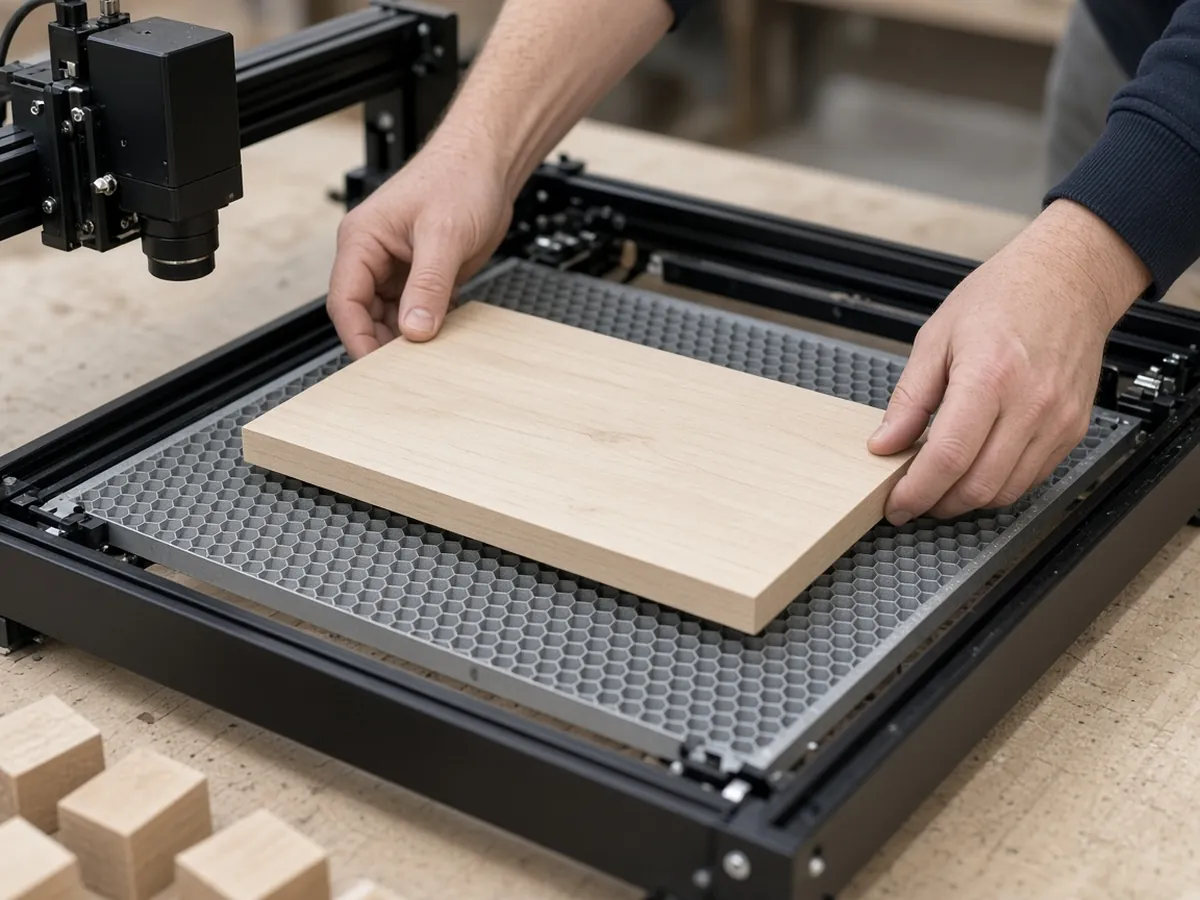
Measure the largest piece you expect to make and add a margin for fixturing. About 300 x 300 mm handles coasters, ornaments, small signs and most cutting boards. Go to about 400 mm if you plan larger signs or want to batch several pieces at once. Also measure your bench: an open-frame machine needs room around the frame, plus space for an air pump and an exhaust hose.
Enclosure or open frame?
Both picks are open-frame machines. That makes them cheaper and easier to load, but it leaves the beam and smoke exposed. An enclosure or cover contains stray light and smoke and makes ventilation more effective. That matters if pets, kids or other people share the room. Plan on adding one, especially with the 20W machine.
Software: LightBurn and LaserGRBL
You’ll design or import artwork in engraving software, then send the job to the machine. Two names come up most often for diode machines: LaserGRBL, a free Windows program for GRBL-based controllers, and LightBurn, a paid program that runs on Windows, macOS and Linux. Some makers also ship their own app. Before you buy, check which software the listing says the machine supports. Then run a test file on each new material.
Must-have extras for a safe first setup
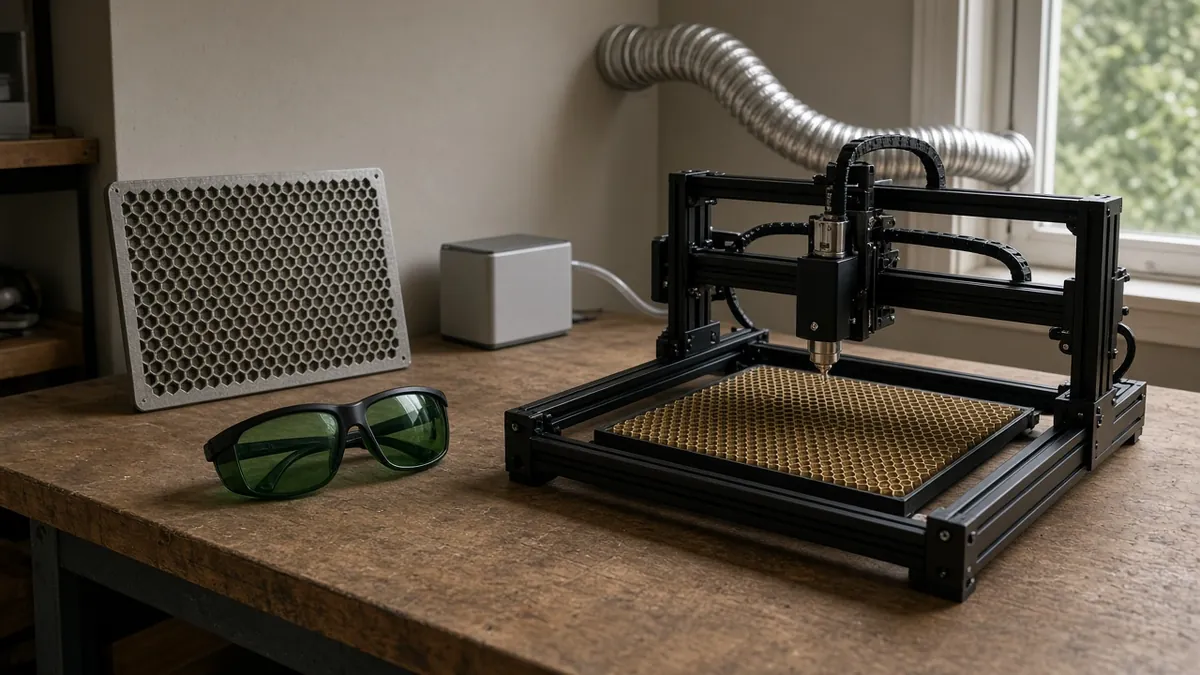
- Safety glasses matched to the wavelength. Most diode lasers emit around 445–455 nm. Find the exact wavelength on your machine’s listing or label, then choose glasses whose stated optical density (OD) covers that wavelength. OD5 or higher is a common target. Don’t rely on the tinted acrylic shield around the laser module alone. Everyone in the room needs glasses while the laser runs. See our laser safety glasses guide for OD and wavelength picks.
- Air assist. A small pump blows air at the cut point. That clears smoke, reduces charring and flare-ups and helps cuts go through. If your machine doesn’t include it, choose a pump with a US plug, an adjustable airflow rate and a nozzle that fits your laser module.
- Honeycomb bed. It lifts the work off the table so smoke and heat can escape underneath and you don’t burn your bench. See the bed and mat guide.
- Exhaust and ventilation. Engraving wood and leather makes smoke and fumes. Vent them outside with an exhaust system rather than just opening a window. The accessories guide covers the rest of a starter kit.
- Fire safety. Never leave a running laser unattended, and keep a suitable fire extinguisher within reach.
Which beginner laser engraver fits you?
- “I want to learn cheaply and see if I enjoy it.” Start with the ELIDOR Z6, which is also sold in a 6W version. Skip the biggest frame until you know what you’ll make.
- “I want one machine for gifts, signs and some thin cuts.” ELIDOR Z6 12W.
- “I already know I’ll cut plywood and make bigger signs.” Atomstack A20 Pro V2 20W, with an enclosure and exhaust in the plan.
- “I mostly want to engrave tumblers.” Read the tumbler buying guide first, because you’ll need a rotary.
- “My work is mainly wood.” The diode laser for wood guide covers materials and workflow.
Beginner mistakes to avoid
- Comparing title wattage. Compare the optical output in the spec table, not the biggest number in the title.
- Skipping eye protection, or buying the wrong glasses. Glasses must be rated for your laser’s wavelength.
- Ignoring smoke. Plan the exhaust before your first job. Wood smoke builds up quickly in a closed room.
- Engraving unknown plastics. Never laser PVC or vinyl. They release corrosive, toxic gas.
- Buying the biggest machine first. A larger frame needs more bench space, more extraction and more care.
- Ordering the wrong variant. Check the power version, the plug type and the ship-from location before you pay.
Bottom line
Start with the ELIDOR Z6 12W if you want one manageable machine for engraving and light cutting on a 300 x 300 mm bed. Choose the Atomstack A20 Pro V2 20W if you already know you’ll cut thicker wood or need a larger work area of about 400 x 365–400 mm. With either one, compare optical power rather than title wattage, and set up eye protection matched to the wavelength, air assist, a honeycomb bed and outside venting before your first job.
ELIDOR Z6 (12W, 300 x 300 mm): Select the 12W version.
Beginner laser engraver FAQ
What is the best laser engraver for beginners?
For most beginners, a diode laser with about 10–12W of power and a 300 x 300 mm work area, such as the ELIDOR Z6 12W, is the balanced choice. If you already know you need bigger pieces and thicker cuts, the Atomstack A20 Pro V2 20W is the upgrade-path pick.
What is the easiest laser engraver to use?
The easiest machine is one with a work area that fits your projects, clear assembly steps and support in the software you plan to use, such as LightBurn or LaserGRBL. A diode laser is simpler to set up than a CO2 laser because it needs no water cooling or tube alignment.
How much does a beginner laser engraver cost?
Prices change often, so check the current price on each listing. As a rule, lower-power diode machines cost the least, and higher-power diodes and CO2 machines cost more. Also budget for safety glasses, air assist, a honeycomb bed and ventilation.
Is a laser engraver safe to use at home?
It can be, with the right precautions: safety glasses rated for the laser’s wavelength, ventilation that sends smoke outside, a non-flammable work surface or honeycomb bed, no unattended runs and a fire extinguisher nearby. An enclosure adds protection, especially around pets and children.
What safety glasses do I need for a diode laser?
Choose glasses with an optical density rating (OD5 or higher is a common target) at your laser’s exact wavelength, which is around 445–455 nm for most diode lasers. Check the wavelength on your machine’s label or listing, and don’t rely on the tinted shield around the laser module.
Is 5W enough for a beginner laser engraver?
About 5W of optical power is enough to learn engraving on wood, leather, paper and cardboard and to cut thin materials slowly. If cutting is a priority, a 10–20W diode will save time.
Do I need air assist on a beginner laser engraver?
It isn’t required to start, but it’s one of the most useful first upgrades. Air assist clears smoke from the cut point, reduces charring and flare-ups and helps cuts go through cleanly.
Should a beginner buy a diode or CO2 laser?
Most beginners should start with a diode laser. It’s more affordable, compact and simple to set up for wood, leather and coated metal. Choose CO2 if your main work is cutting acrylic or thick wood, or engraving glass.