The labels describe a task, not a guarantee
Engraving usually means changing or removing material at the surface to create text, graphics or texture. Cutting means passing through material to separate a shape. A machine may support both workflows, but that does not mean every material, thickness, edge quality or production rate is within its documented range.
Manufacturers themselves note that engraver and cutter categories can overlap; for example, Trotec’s comparison frames the distinction around the process and setup. Use that as context, then check the specifications for the particular model rather than generalizing from a category name.
For engraving, compare the mark and the surface
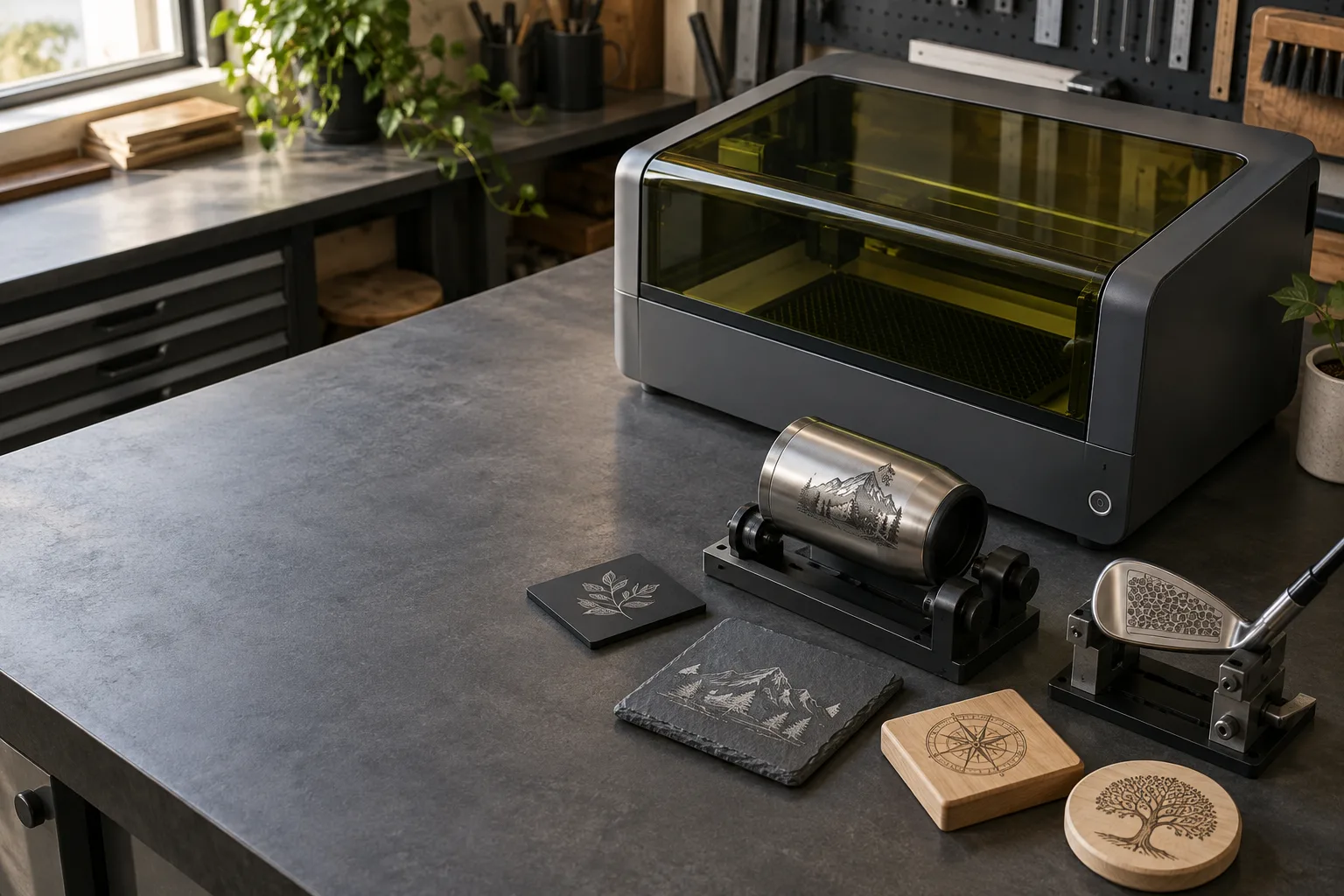
For a mark, define the surface, coating, contrast, line detail, depth and how the result will be read. Then check the documented laser source and material guidance, focus method, spot or detail claims, software and fixture options. A metal marking workflow can differ substantially from marking a coated tumbler or engraving a stone surface.
Look at the finished part under the lighting and from the distance where it will be used. If the job includes serial numbers or codes, define a readability or scan check before production. The QR-code guide covers contrast, module size and verification on the actual surface.
For cutting, check thickness and the cut edge
For a cut, compare the exact material and thickness with the manufacturer’s current cutting guidance. Ask about the usable work area, focus range, support bed, air assist if specified, edge appearance, repeatability and the time the job can take. A machine’s maximum advertised power does not, by itself, tell you the practical result on a particular sheet.
Plan how the cut part will remain supported, how smoke and residue will be captured, and how the finished pieces will be removed. The bed and mat guide explains support surfaces and clearance; the exhaust guide covers the capture path. Do not use an unidentified material as a test piece.
Compare laser sources on their own terms
Diode, CO₂ and fiber systems differ in wavelength, materials they can mark effectively, optics and intended applications. “More watts” is not a universal cross-type comparison, and a laser output figure should not be treated as a promise of cut depth or engraving detail. Check whether the specification refers to optical output, electrical input or another measure.
For the same reason, avoid buying from a single “engraving” or “cutting” badge. Compare the exact source, lens or head, motion area, enclosure and supported material process. The 50W guide explains why wattage needs context; the fiber-metal guide covers a different source and material workflow.
Treat guarding and extraction as part of capability
A machine that can make a mark or cut still needs an appropriate operating setup. Confirm the enclosure, viewing protection, interlocks and exhaust requirements for the exact source and process. FDA’s laser product guidance describes hazard classes and labeling; OSHA’s laser-cutting and welding ventilation guidance addresses fumes and ventilation in workplace settings.
Those sources do not substitute for the machine manual or a site-specific safety review. If the material, enclosure or exhaust arrangement is unclear, ask the maker or a qualified safety professional before deciding the machine is suitable.
Compare the capability you actually need
| Decision | For a surface mark | For a cut-through job |
|---|---|---|
| Material | Exact substrate, coating and target contrast. | Exact material and thickness in the maker’s cutting guidance. |
| Result | Line detail, legibility, depth or durability. | Cut edge, kerf, separated part and acceptable finish. |
| Machine | Source, focus, motion, software and fixture. | Source, rated thickness, bed, focus and job envelope. |
| Workflow | Registration, small-part holding and proof. | Support, smoke capture, removal and repeatability. |
| Safety | Documented material, enclosure and extraction. | Documented material, enclosure and extraction for cutting. |
Before you compare machines
- Describe the part and result before choosing an engraver or cutter label.
- Verify material, thickness and process with the exact model’s current documentation.
- Compare source type, usable work area, focus, fixture, software and edge/mark quality.
- Treat advertised watts as one specification, not a cross-type performance ranking.
- Include enclosure, interlocks and exhaust in the machine’s usable capability.
Questions worth answering first
Can a laser engraver also cut?
Some systems are documented for engraving and cutting, while others are limited by the laser source, configuration, material or thickness. Check the current model-specific guidance for both operations.
Is a laser cutter a different kind of laser?
Not always. The labels overlap across product categories; the more useful comparison is the task and the exact machine configuration.
Does higher wattage mean a better cutter?
Not by itself. Source type, material, focus, optics, motion, rated thickness and edge requirements all affect whether the machine fits the job.
Can I compare diode, CO₂ and fiber machines by watts?
Do not use a watt number alone to compare different laser types. Check what the figure measures and use the maker’s material and process specifications.
Do engravers and cutters need the same ventilation?
Both processes may create fumes or particles, and the required setup depends on the material and machine. Follow the exact manufacturer instructions and applicable workplace guidance.