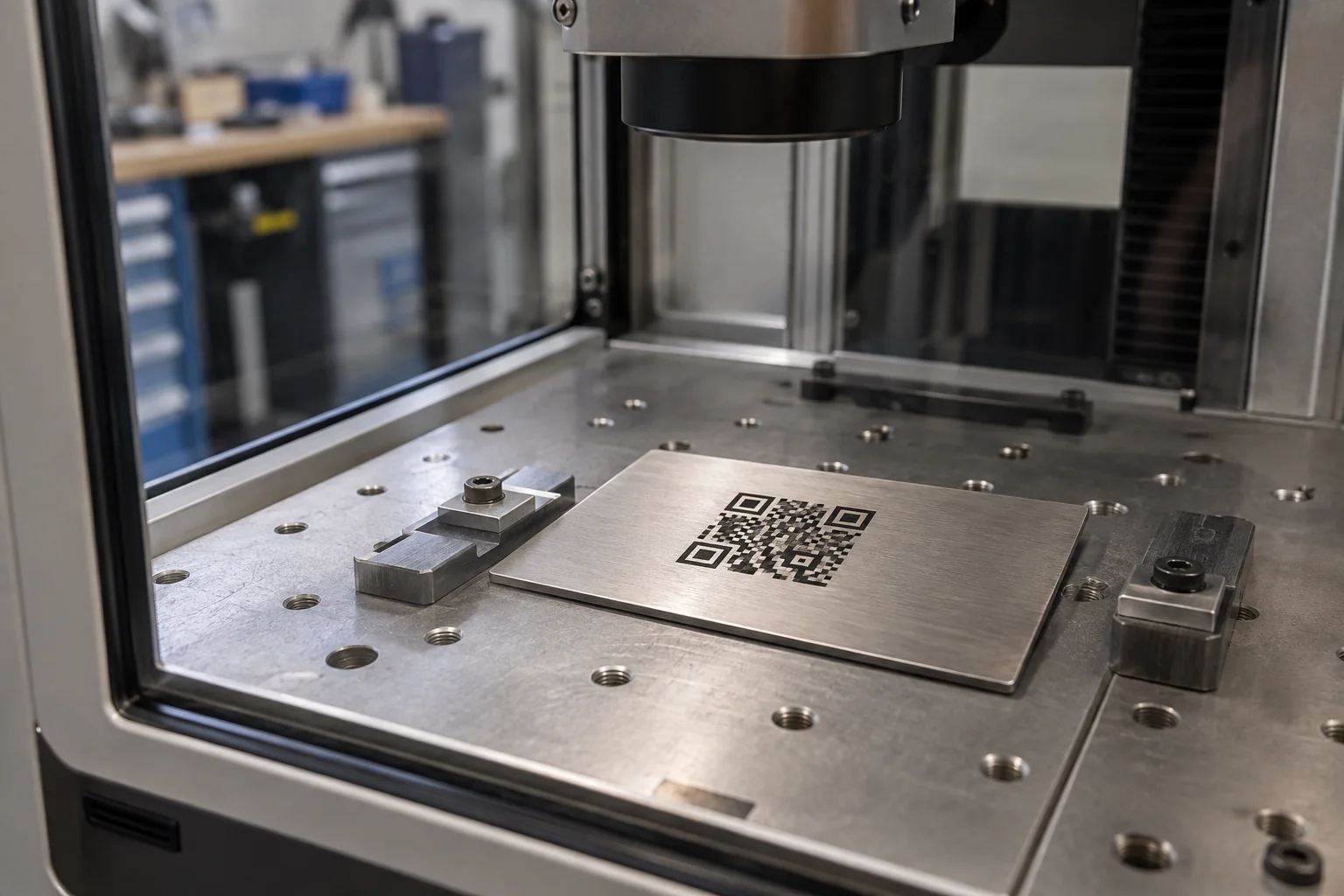
Choose the reader before shrinking the code
Start by identifying what the code must do and which device will read it: a phone camera, a handheld industrial scanner or an installed vision system. Record the normal scan distance, angle, lighting and available area on the finished part. A code that scans on a phone at a workbench is not automatically suitable for a production reader or a different inspection setup.
The information encoded affects the QR version and therefore the number of modules in the symbol. More modules in the same physical square means smaller individual modules. Keep the payload purposeful: a short stable identifier or managed URL can fit more easily than a long block of text, provided the system behind it meets the job’s needs.
Set module size around both marking and reading limits
A QR symbol is built from small square modules. The usable module size depends on how accurately the specific machine can create consistent features and how much detail the intended reader can resolve on the real surface. DENSO WAVE explains that larger modules generally make a code easier to read and that size must be chosen with the reading device in mind; see its QR module-size guidance.
Do not copy a printer’s dot-per-module examples as laser settings: those examples describe printing systems, not a universal laser process. Instead, ask the machine maker for the smallest documented feature for the selected source and optics, then validate a code at the intended physical size with the actual reader and part.
Keep the quiet zone and code geometry intact
For a standard QR Code, DENSO WAVE specifies an empty margin four modules wide around every side. Leave that quiet zone clear of borders, text, logos, part edges and fixture marks. Its code-area guide shows how the symbol and margin contribute to the complete footprint.
Keep the module grid square, evenly spaced and high-contrast. Do not stretch the code to fill a curved surface or decorate its finder patterns. If the available area is too small, reconsider the payload, symbol version or location before reducing detail beyond what the machine and reader can support.
Test contrast, reflectivity and curvature on the real substrate
Metal can reflect the reader’s illumination even when the code appears dark to the eye. Polished or curved surfaces can also change the apparent contrast across the code. GS1’s retail 2D guidance discusses contrast, reflectivity, uniformity and quiet zones, including the challenge of direct part marking on shiny surfaces; its barcode requirements are specific to the relevant GS1 applications, so do not treat every retail value as a universal QR specification.
Make a proof on a representative part with the same alloy, coating, curvature and orientation. Test under the expected lighting and scan angle. If the part is cylindrical or uneven, check that the full code stays within the documented focus and mark area. A material sample or flat coupon can help compare ideas, but it cannot replace final-part validation.
Verify the complete code, not only whether it looks sharp
Generate the exact production payload and verify that it resolves to the intended destination before marking samples. Scan the physical proof with the target reader at realistic distance, angle and lighting, then repeat on more than one representative part if the process will be used in a batch. A phone scan is a useful basic check, not a substitute for a specified industrial verification grade.
When a customer, standard or quality plan requires formal barcode verification, agree on the applicable symbology, specification, grade and verifier before selecting a machine. GS1’s 2D retail implementation guideline is useful for retail use cases; other applications may have different requirements. Preserve the approved artwork, payload, sample result and inspection method with the job record.
Plan for the life of the data as well as the mark
A permanent mark can outlast the website or database it points to. If the code contains a URL, decide who controls the domain, redirects and destination content, and how those will be maintained for the expected life of the part. The laser cannot repair an expired link or a retired record system.
For repeat production, document the payload version, artwork revision, fixture reference, substrate batch and scan results. When comparing a laser engraving machine for QR codes, include the complete documented marking area, feature capability, workholding and safety installation—not just a power number or a successful sample image.
QR-code marking validation plan
| Stage | Record or test | Pass condition |
|---|---|---|
| Data | Exact payload, destination owner and revision. | The code opens or resolves to the approved content. |
| Layout | Symbol version, module size, overall area and quiet zone. | The symbol fits without crowding or distorting its modules. |
| Part | Material, finish, shape, fixture and focus area. | The proof represents the production part and location. |
| Reader | Target device, scan distance, angle and lighting. | The intended reader decodes the marked part consistently. |
| Quality | Required standard, verifier and acceptance grade, if applicable. | The agreed inspection method meets the job specification. |
Before you compare machines
- Identify the reader, scan distance, lighting and actual part before setting the code size.
- Keep the standard QR quiet zone clear and preserve square, uniform modules.
- Validate contrast and reflectivity on a representative finished part.
- Use the required verifier and quality specification when the application calls for one.
- Assign ownership for any URL or data destination encoded in a permanent mark.
Questions worth answering first
How large should a laser-engraved QR code be?
There is no single size for every job. It depends on the QR version and payload, the module size the machine can produce consistently, the surface and the resolution of the reader. Test the finished part with the intended scanner.
Does a QR code need a blank border?
Yes. A standard QR Code requires a quiet zone four modules wide on all sides. Keep text, borders and other marks outside that space.
Can any metal laser engraver make a scannable QR code?
Not necessarily. The complete setup must produce consistent modules at a suitable size and contrast on the specific surface, and the actual reader must resolve them. Check documented machine capability and validate a sample.
Is scanning the code with a phone enough for production?
A phone scan is a useful initial check, but it does not establish compliance with a required industrial or retail quality grade. Use the specification and verifier named by the customer or application when formal verification is required.