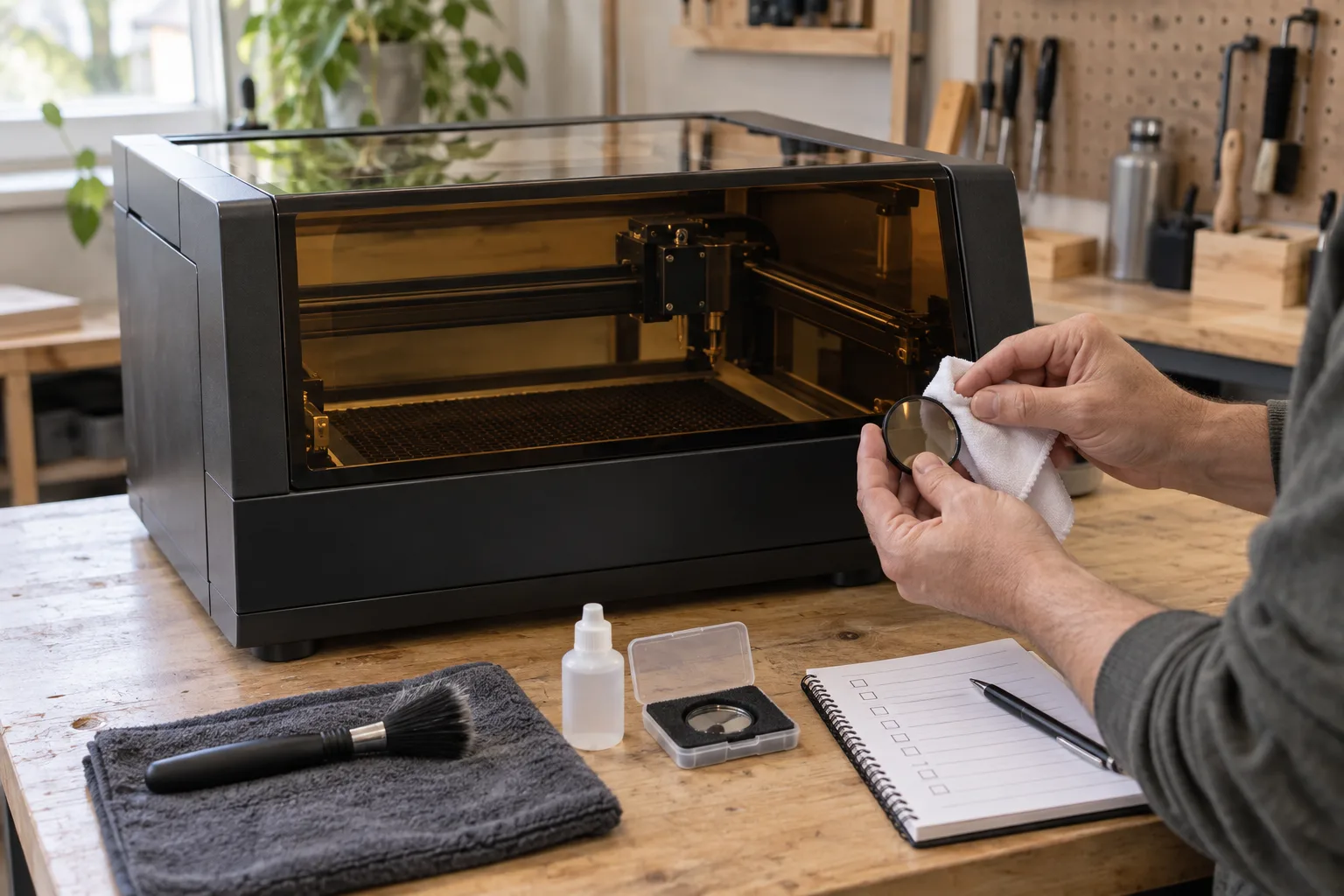
There is no universal maintenance calendar
Maintenance intervals differ between machines and parts. For example, the xTool M2 FAQ lists model-specific cleaning intervals for several components, while the xTool D1 maintenance guide describes a different inspection-led routine. Those instructions are examples for those products—not a schedule to copy onto another engraver.
Find the manual for the exact model and configuration. Note whether it counts calendar time, operating hours or accumulated processing time, and whether a task is intended for the operator or authorized service. If a machine has been modified, heavily used or exposed to unusual dust or smoke, ask the manufacturer how that affects the schedule.
Check the work area and safety setup before a run
With the machine in its normal safe state, check for loose debris, damaged cables, unusual residue, blocked airflow and anything that could interfere with the bed or moving head. Confirm that the enclosure, exhaust connection and other required safeguards are in place. Keep the work area clear enough to inspect and remove a job without reaching into a hazardous operating zone.
Do not defeat an interlock to keep working or to make cleaning easier. OSHA’s laser-safety guidance recommends enclosing laser operations and using appropriate interlocks and emergency shut-off systems. Follow the manufacturer’s shutdown and service-access procedure before maintenance; if a guard or interlock is damaged, take the machine out of service until it is repaired.
Clean optics only with the specified method
Residue on a lens or protective window can affect the process, but removing an optical component can also damage it or change alignment. Inspect it at the interval in the machine manual and use only the approved cloth, solvent and handling method. The Avid CNC technical manual, for instance, documents its own rail and lens procedures; that is not permission to apply the same products or steps to a different optical assembly.
Power down and isolate the machine as the manual requires before cleaning. Do not touch a lens with fingers, scrape deposits, spray cleaner directly into the head or disassemble optics unless the manufacturer’s procedure explicitly calls for it. If there is a mark, crack, persistent haze or a change in output, stop and ask the manufacturer or service provider to identify the part.
Keep the motion system and bed in the condition the maker specifies
Dust and residue can collect around the bed, rails, belts, screws and fans, but different motion systems use different materials and lubrication. Remove loose debris using the approved method; lubricate only the components and points named in the manual, with the specified product and amount. Oil on a belt, optical path or work surface can create a new problem instead of solving one.
After approved cleaning, check that the head moves normally using the manufacturer’s procedure. Do not force a stalled axis or adjust belt tension, rails or alignment by guesswork. For the work-support choices and clearance checks, see the bed and mat guide.
Include exhaust and filters in the service record
Fans, ducting and filters may have their own inspection or replacement schedule. A filter’s appearance or a change in odor does not by itself prove that the system is still capturing the process safely. Follow the filter and exhaust maker’s service criteria, keep the capture path connected and record replacements or changes in material.
This page covers machine upkeep at a high level; the exhaust guide explains source capture, duct routing and filtration, while the ventilation guide separates room air from process exhaust. Use those plans together rather than treating a room fan as machine maintenance.
Stop when a new symptom appears
Weak or uneven marks, a new grinding sound, repeated focus problems, smoke escaping the enclosure or a fault in a safety device can point to different causes. Do not raise power or repeat the job to see whether the symptom goes away. Stop, save the job file and note what changed: material, settings, run time, sound, error message and last maintenance.
Use the troubleshooting section of the exact manual, and contact the manufacturer when the cause is unclear or service access is restricted. A short, accurate service note is more useful than undocumented trial-and-error.
Build a maintenance record from the machine manual
| Record | What to write down | Why it helps |
|---|---|---|
| Machine identity | Model, configuration and manual revision. | Keeps procedures specific to the equipment. |
| Operating history | Run hours or cycle count if the machine provides it. | Matches hour-based service intervals. |
| Task and interval | Component, manual section, due rule and last completion. | Avoids copying another model’s schedule. |
| Observed change | Material, job file, error, output change or unusual sound. | Gives support useful troubleshooting context. |
Before you compare machines
- Locate the manual for the exact machine and configuration.
- Follow its shutdown, isolation, cleaning and service-access steps.
- Use only approved materials and methods on optics and motion parts.
- Keep exhaust, filters and enclosure checks in the same service record.
- Stop and seek support if output changes or a guard/interlock fails.
Questions worth answering first
How often should I clean a laser engraver?
Use the inspection and cleaning intervals in the manual for the exact model. Some manufacturers specify accumulated processing hours for different components; those intervals should not be transferred to another machine.
Can I clean every laser lens with alcohol?
No universal solvent or method is safe for every optical assembly. Check the machine manual and use only the approved optical cloth and cleaning product for that component.
Should I lubricate the rails on my laser engraver?
Only if the exact machine’s manual identifies those rails or bearings as serviceable and names the lubricant and procedure. Some systems need lubrication; others use a different design.
What should I do if engraving suddenly becomes weak or uneven?
Pause the job and inspect the machine using its troubleshooting instructions. Record material, settings, error messages and recent maintenance; do not compensate by increasing power before finding the cause.