The coating is part of the material
Many colored tumblers are marked by changing or removing a surface coating; bare stainless steel is a different process. The same-looking cup can have a different finish, coating thickness or construction. Confirm the exact product and surface from its supplier, and follow the laser maker’s compatibility and enclosure guidance.
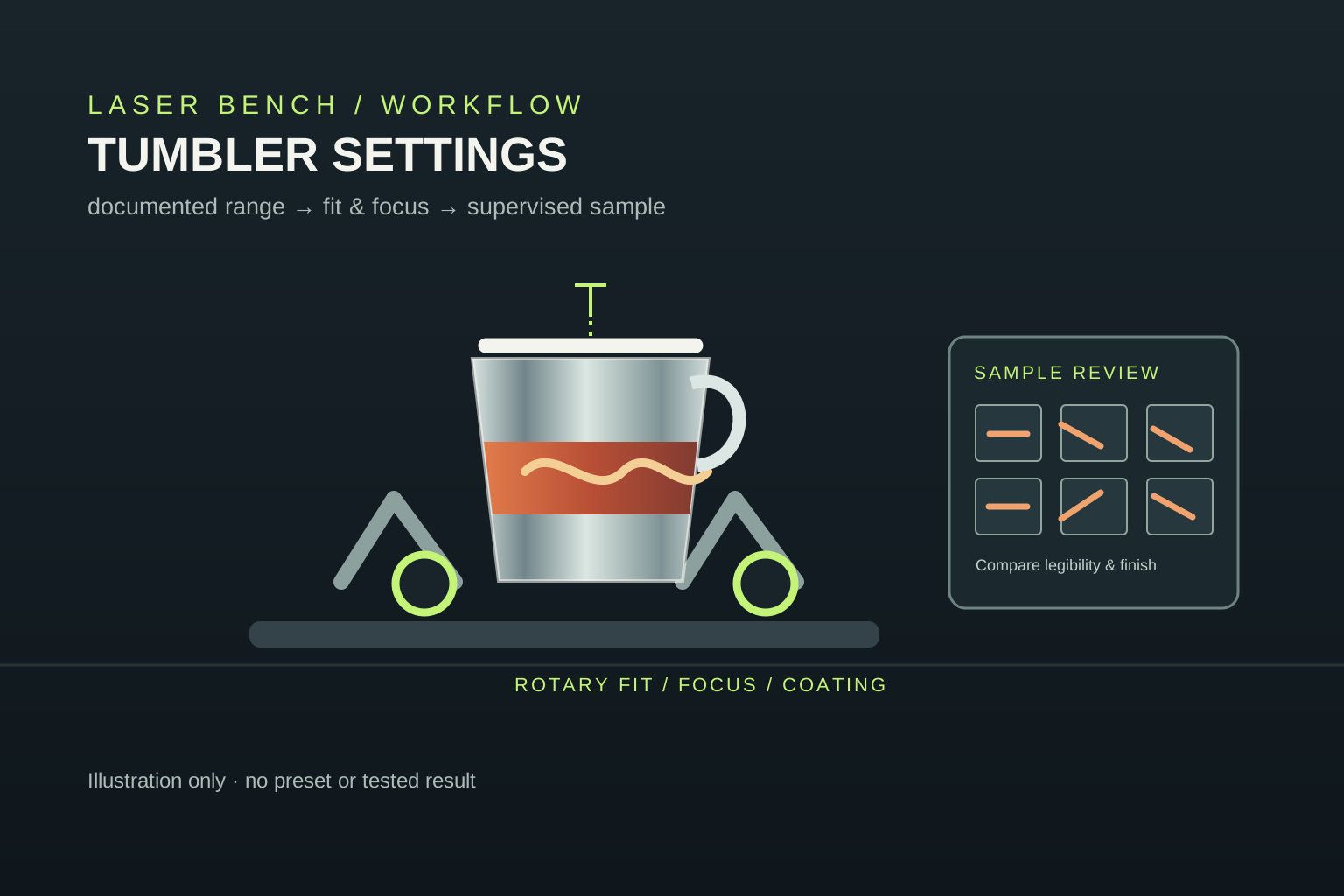
The cup and rotary guide covers diameter, taper, handle clearance and the surface under the coating. This page focuses on the test workflow once those fit questions are understood.
Build a test from the machine’s documented range
Start with the current material guidance for the exact machine, laser source and software. A test grid is only useful if its parameter range is allowed for that setup. Do not import a preset written for another wavelength, controller, lens, rotary or coating; matching product labels do not establish matching process conditions.
Software can vary one or more supported parameters in a grid. LightBurn’s Material Test documentation describes its generator, while its first test walkthrough emphasizes using a material sample and checking the workflow. Use the instructions for your own software, confirm units and preview the full job before starting.
Check focus and rotary geometry before changing power
Use the machine maker’s focus method on the surface location it specifies. A tumbler may taper, sit at an angle or present a handle that changes how it can be supported. Check the actual diameter at the engraving band, the cup’s orientation, the rotary’s drive contact, clearance and the software’s rotation direction. Recheck focus and alignment after loading the real cup.
Rotary instructions differ by device. For example, xTool’s rotary processing guide and insulated cup guidance cover its own equipment and setup. Treat those as model-specific examples, not universal instructions for other machines.
Judge a clean, legible mark—not the darkest cell
Use a verified offcut or a spare tumbler with the same coating and geometry. Keep the enclosure and extraction connected, supervise the complete job and follow the machine’s fire-safety instructions. Compare coating removal, legibility, fine detail, unwanted discoloration and cleanup at the intended mark size.
If the coating remains, the surface darkens or the image looks distorted, stop and diagnose the material, rotary, focus and documented process range before adjusting anything. xTool’s common tumbler issues guide describes examples on xTool systems, including coating and rotation problems; do not generalize one maker’s troubleshooting steps to a different machine.
Write down the setup that produced the result
For a repeat job, save the machine and laser model, controller and software version, tumbler product and finish, rotary position, focus method, artwork size, units, supported parameters, exhaust arrangement and a photo of the sample. Change one documented variable at a time if another verified sample is needed.
Use the material test file guide for a geometry-only grid and recordkeeping checklist. It intentionally contains no universal power or speed values. A successful sample is evidence for that specific setup, not a preset for every tumbler.
What to verify before a tumbler test
| Check | Why it matters | Record |
|---|---|---|
| Laser and software | Sources, controllers and parameter units differ. | Machine, laser, controller, software and documented range. |
| Tumbler finish | A coating-removal mark differs from bare-metal processing. | Product, surface treatment, supplier and sample batch. |
| Rotary and focus | Taper, diameter and loading can affect alignment and focus. | Engraving-band diameter, orientation, focus method and clearance. |
| Result | A dark mark alone does not establish quality or repeatability. | Legibility, detail, coating removal, discoloration and cleanup. |
Before you compare machines
- Identify the tumbler coating and verify machine-material compatibility.
- Use only the current documented range for the exact laser and software.
- Check rotary direction, cup fit, focus, handle clearance and job preview.
- Supervise a small test on matching material with enclosure and extraction in place.
- Record the full setup; retest when the machine, coating or geometry changes.
Questions worth answering first
What settings should I use to laser engrave tumblers?
There is no universal speed or power pair. Check the exact machine and coating guidance, then make a controlled test within the documented range and record the full setup.
Can I copy a tumbler preset from another laser?
Not safely as a default. Laser type, controller, lens, software units, coating, focus and rotary setup can differ. Verify compatibility and settings with the makers of your equipment and material.
Why is the coating not coming off evenly?
Possible causes include an incompatible or different coating, focus or rotary alignment, or a process outside the documented range. Pause and check the specific machine and material guidance before making changes.